See your rest without unlocking.
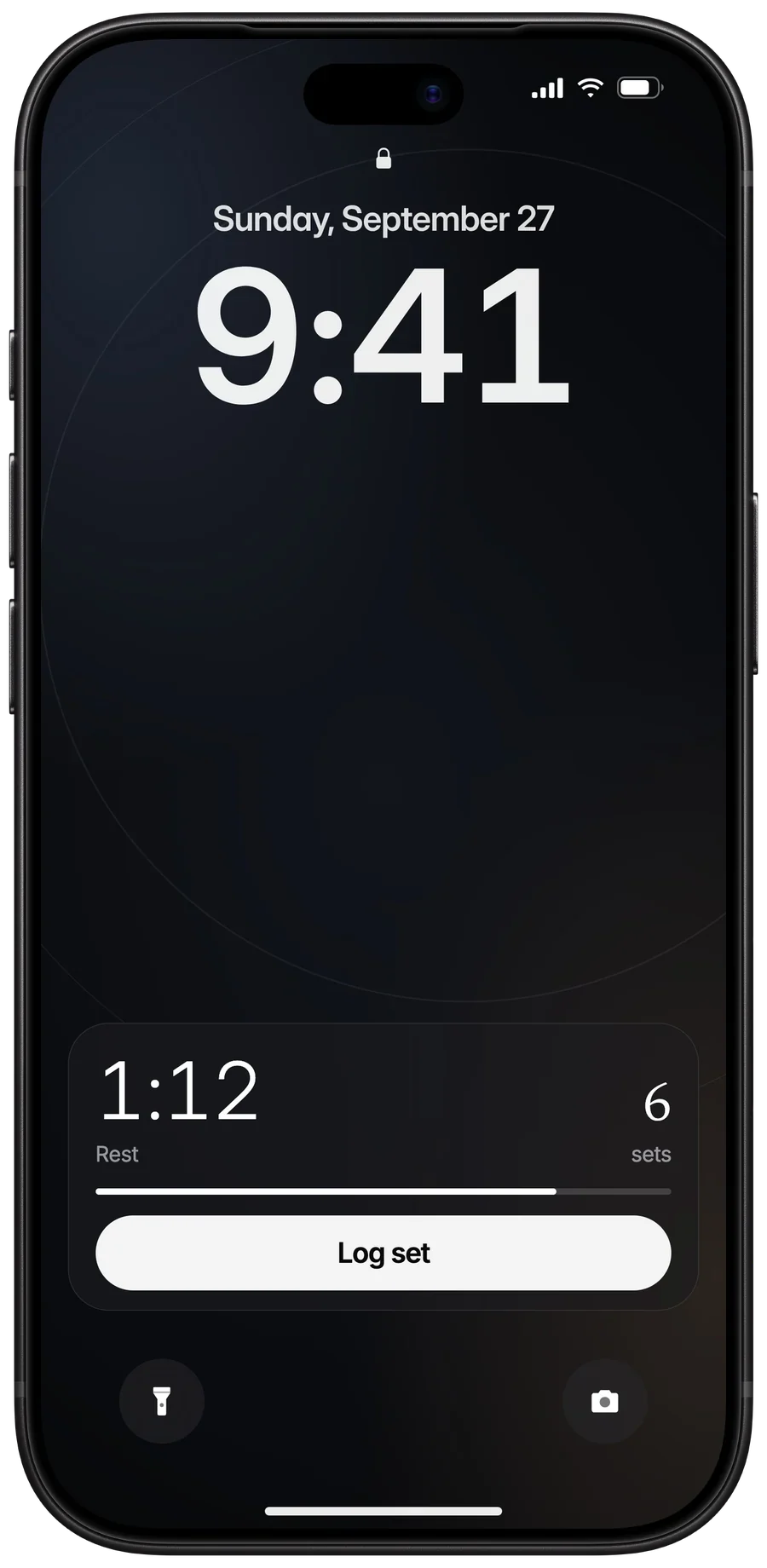
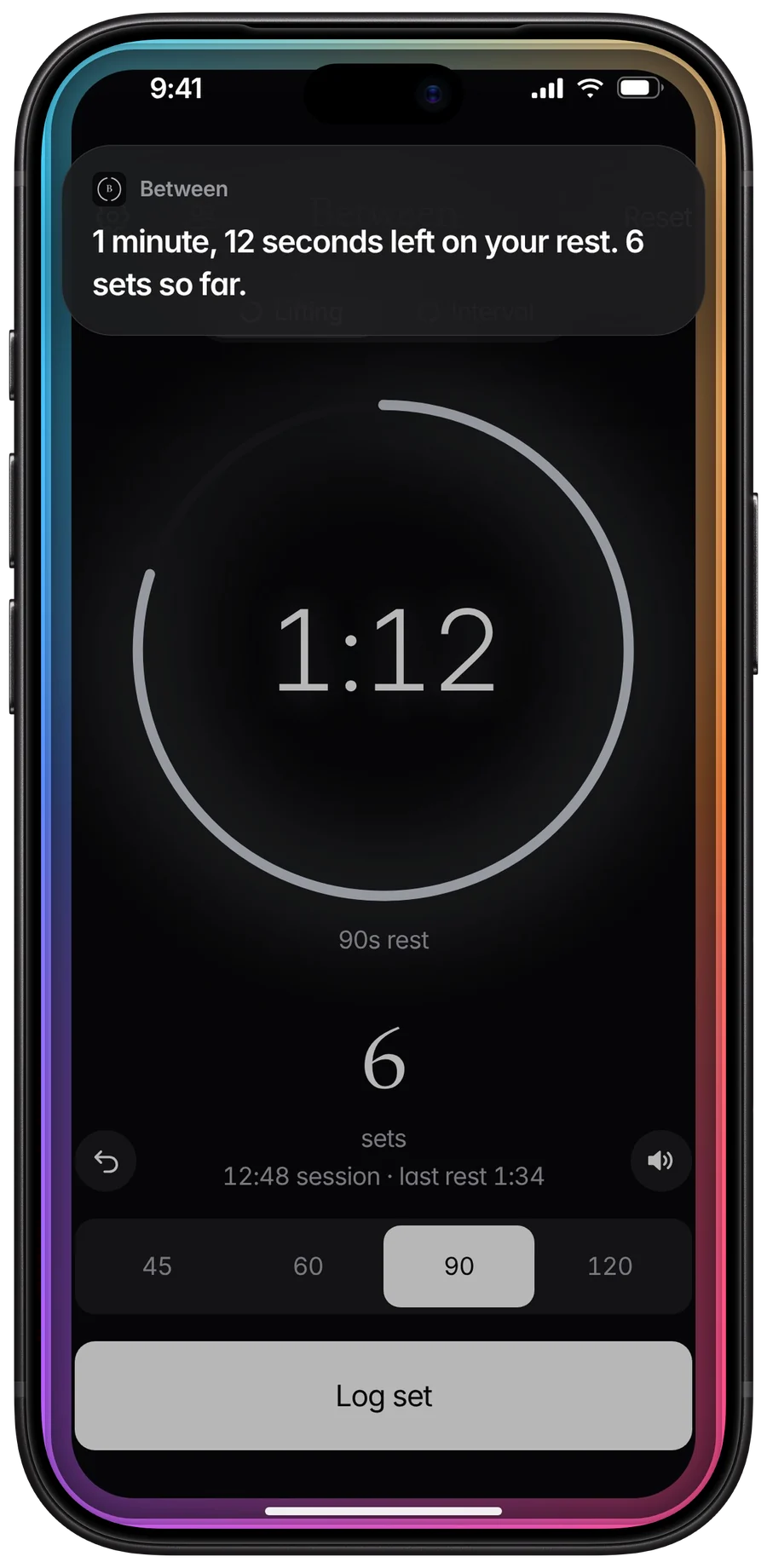
Your countdown sits on the Lock Screen and in the Dynamic Island, right where you already glance. Log set and Reset are one tap away.
Between. A rest timer for lifting.
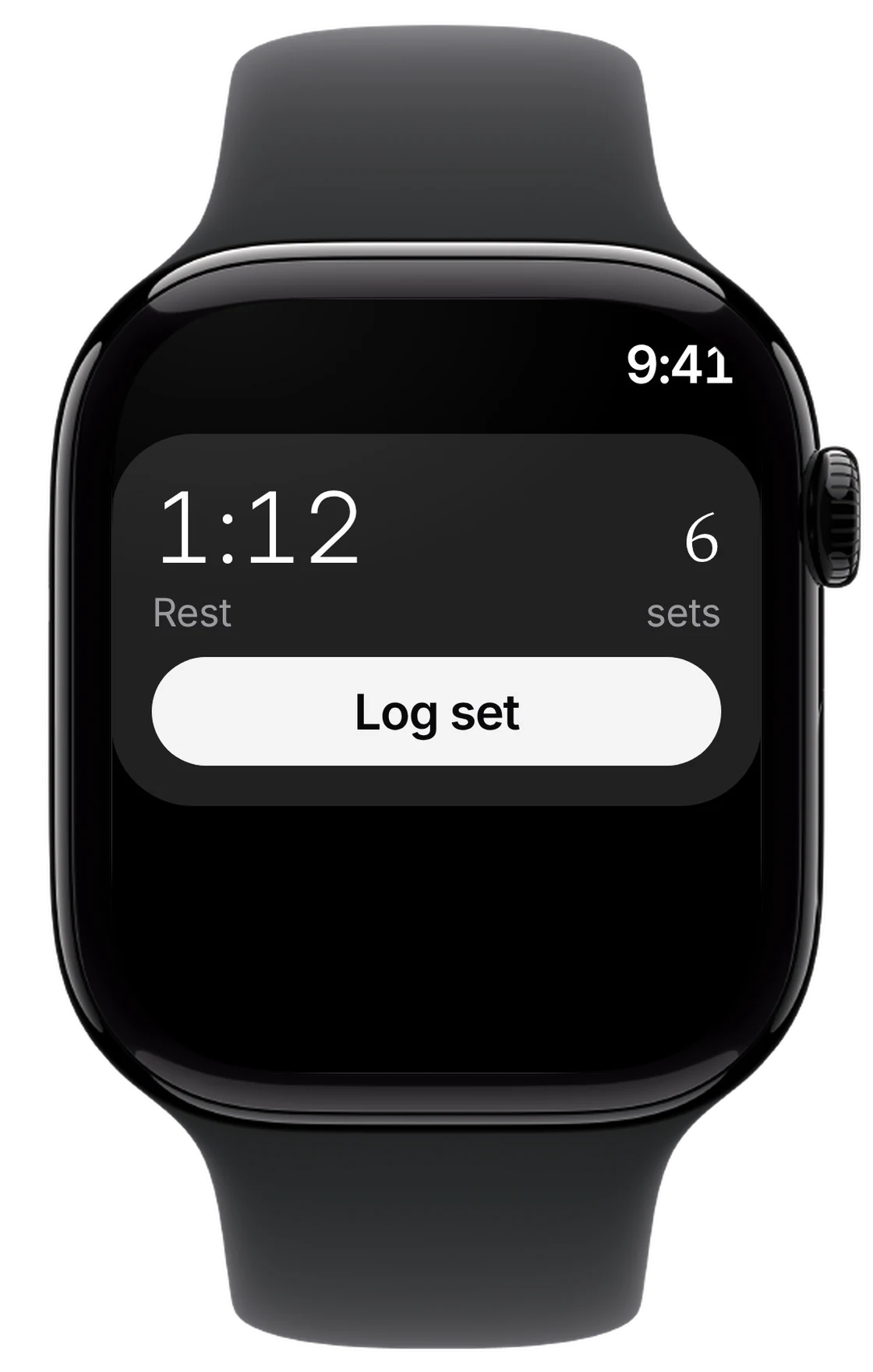
Put your phone away. Between counts your rest on the Lock Screen and Apple Watch, and you get a buzz on your wrist when it’s time for your next set.
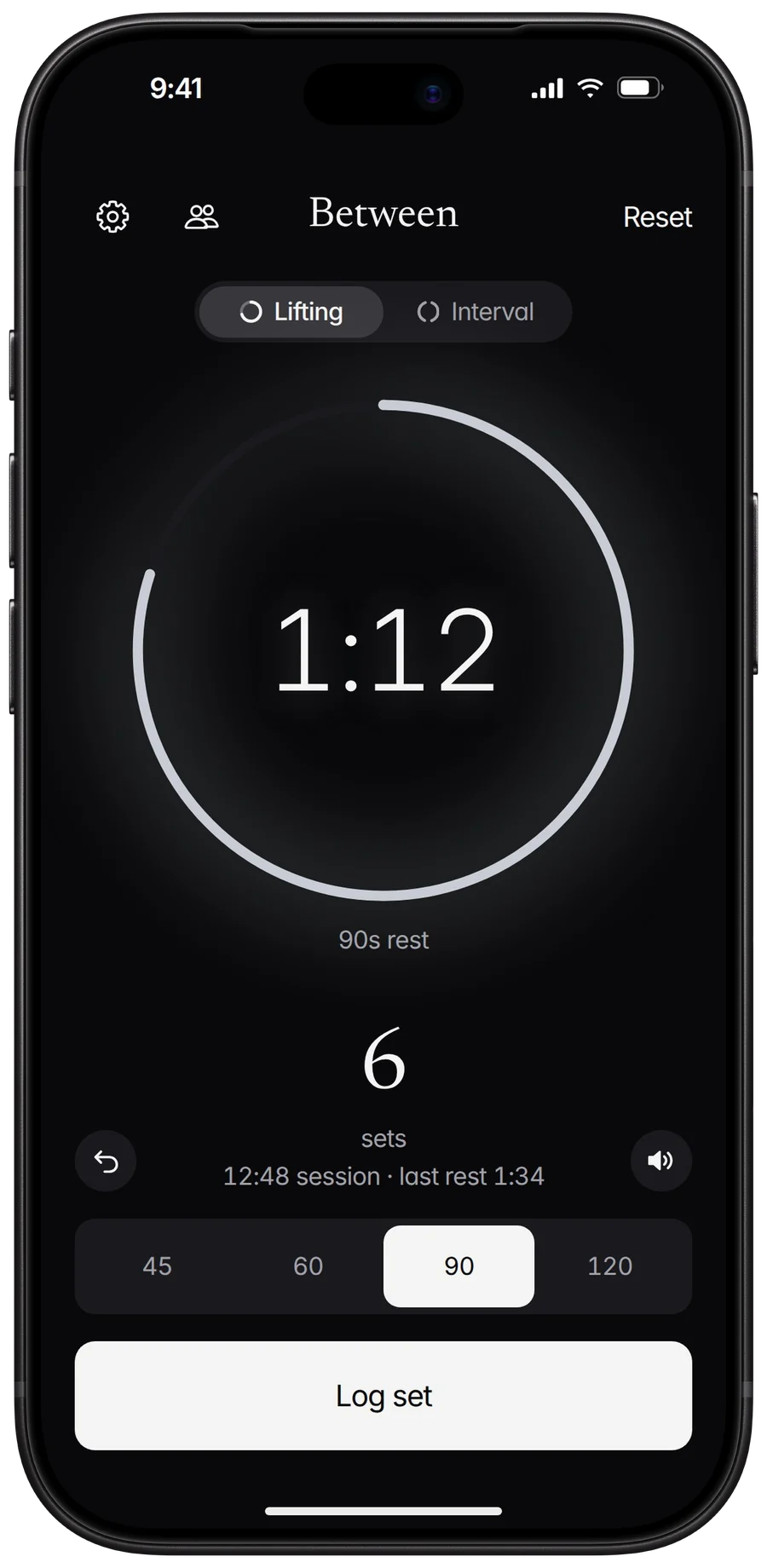
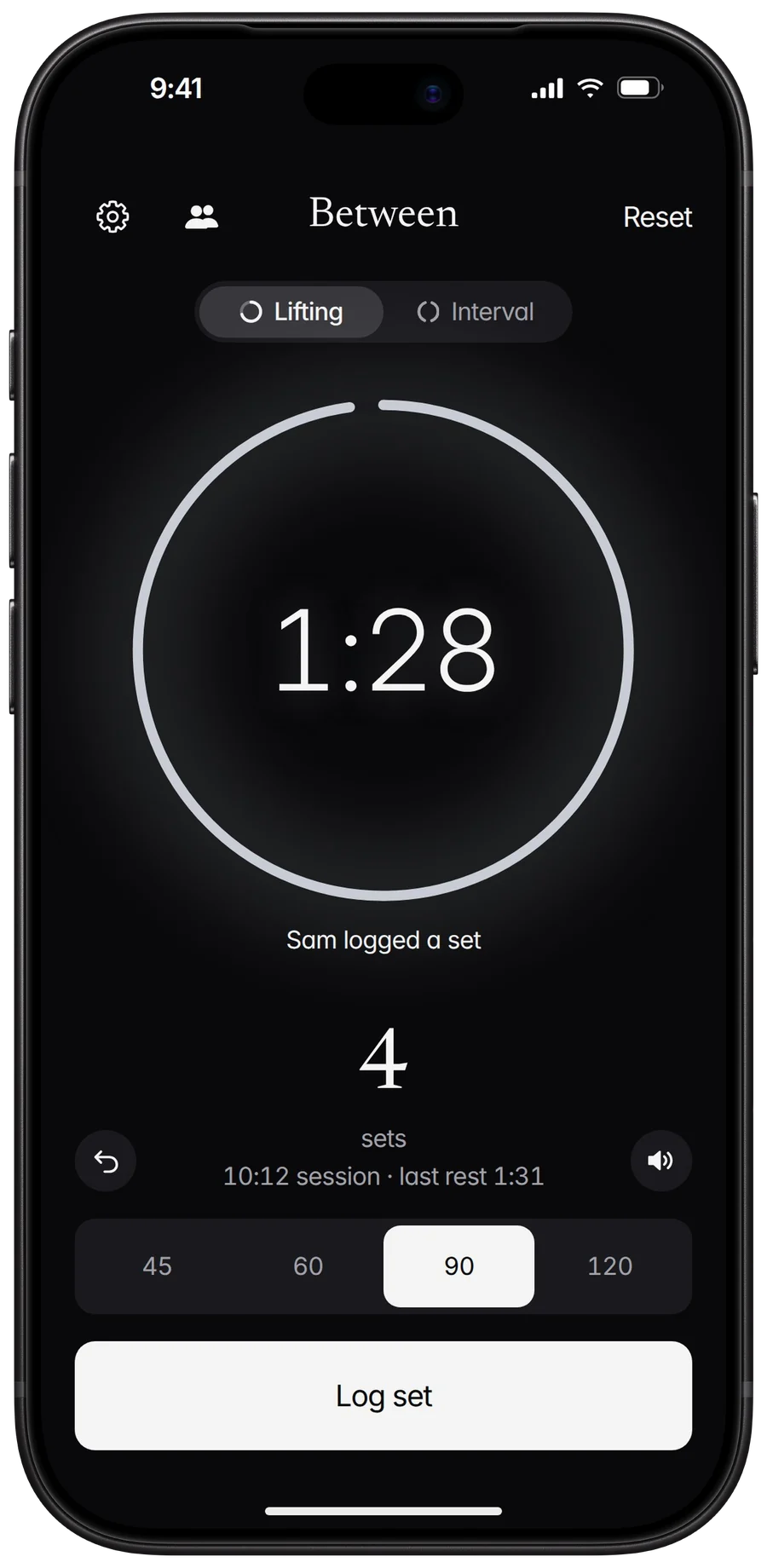
Showing the Night theme. Four to choose from in Settings.
How it works
No start button, no setup. Your thumb always knows where Log set is, because the screen never moves.
Rack the weight and tap Log set. That’s the only tap.
Your rest timer begins and follows you to the Lock Screen, the Dynamic Island, and Apple Watch.
Get a buzz on your wrist 10 seconds before your next set, and again when it’s time. A short chime plays over your music, too.
Lock Screen, Dynamic Island, Apple Watch
Keep your phone in your pocket and still see how long you have left. Log your next set without unlocking, and with no watch app to open.
Features
Your countdown sits on the Lock Screen and in the Dynamic Island, right where you already glance. Log set and Reset are one tap away.
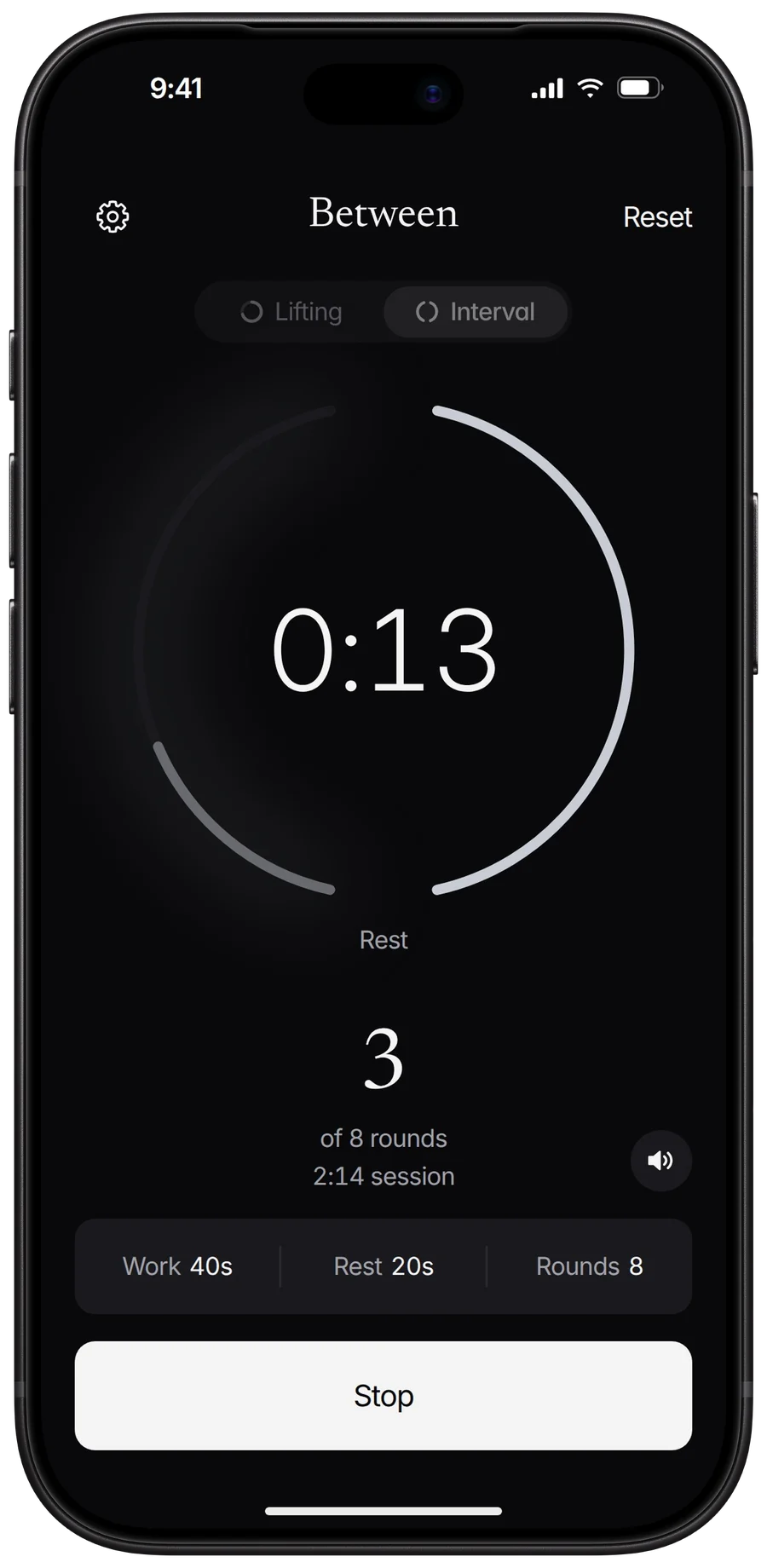
Stop watching the clock during circuits. Set your work, rest, and rounds, and Between tells you when to go and when to stop, even with your phone locked.
Leave your phone in your bag. Apple Watch buzzes 10 seconds before your next set and again when you’re up, and your countdown sits in the Smart Stack. No watch app to install.
Chatting between sets? When your rest runs out, the clock starts counting your set from 0:00, so you always know where you are.
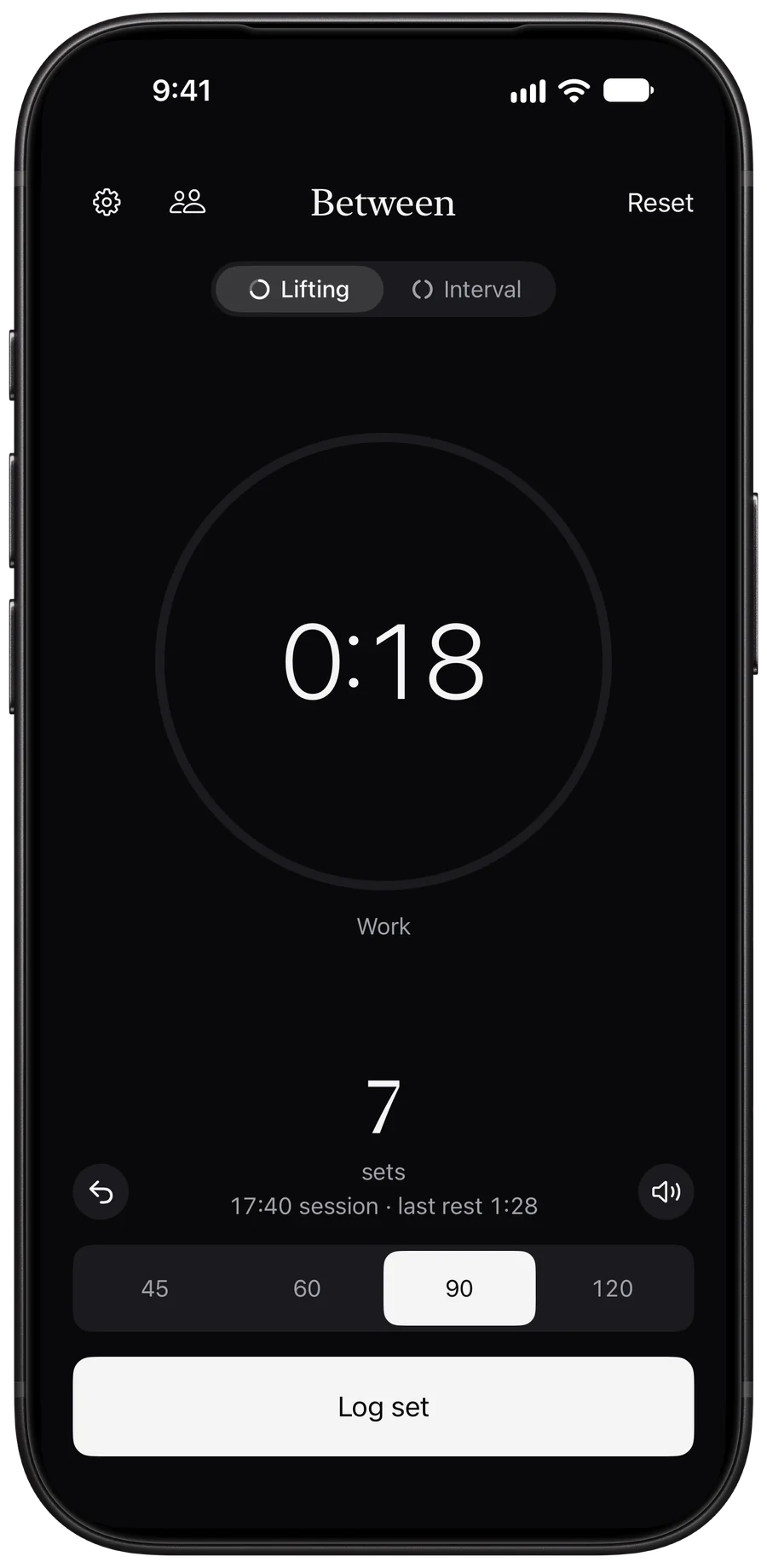
A short chime tells you you’re up, and your music keeps playing. Prefer quiet? Switch to vibration only, or silent.
Log a set or check your rest without touching your phone. Siri answers out loud, so it works with AirPods in and your phone in a pocket. The same actions work in Shortcuts and on the Action Button.
Everyone’s rest stays in sync. Take turns on one phone, up to four lifters, or link phones so one Log set starts everyone’s rest.
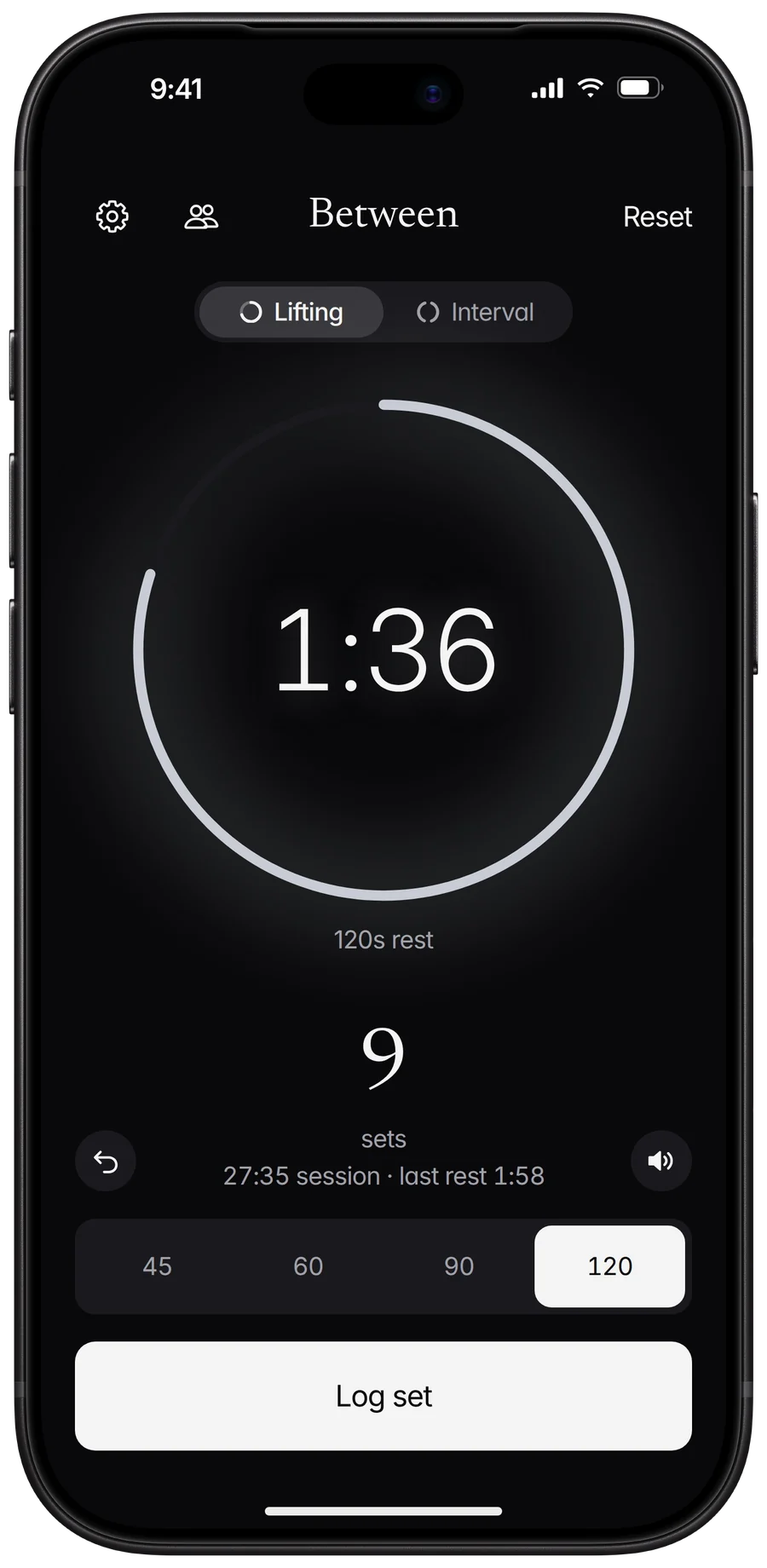
Pick from four themes: Night, Day, Navy, and Moss. Or let it follow your iPhone’s light and dark setting.
No sign-up, no email, no password. Open Between and log your first set. Your workouts stay on your phone.
Built for the gym floor
Train together
Sharing a bench, rack, or machine? Always know whose turn it is. Log up to four lifters on one phone, and Between shows who’s up next and how long they’ve rested.
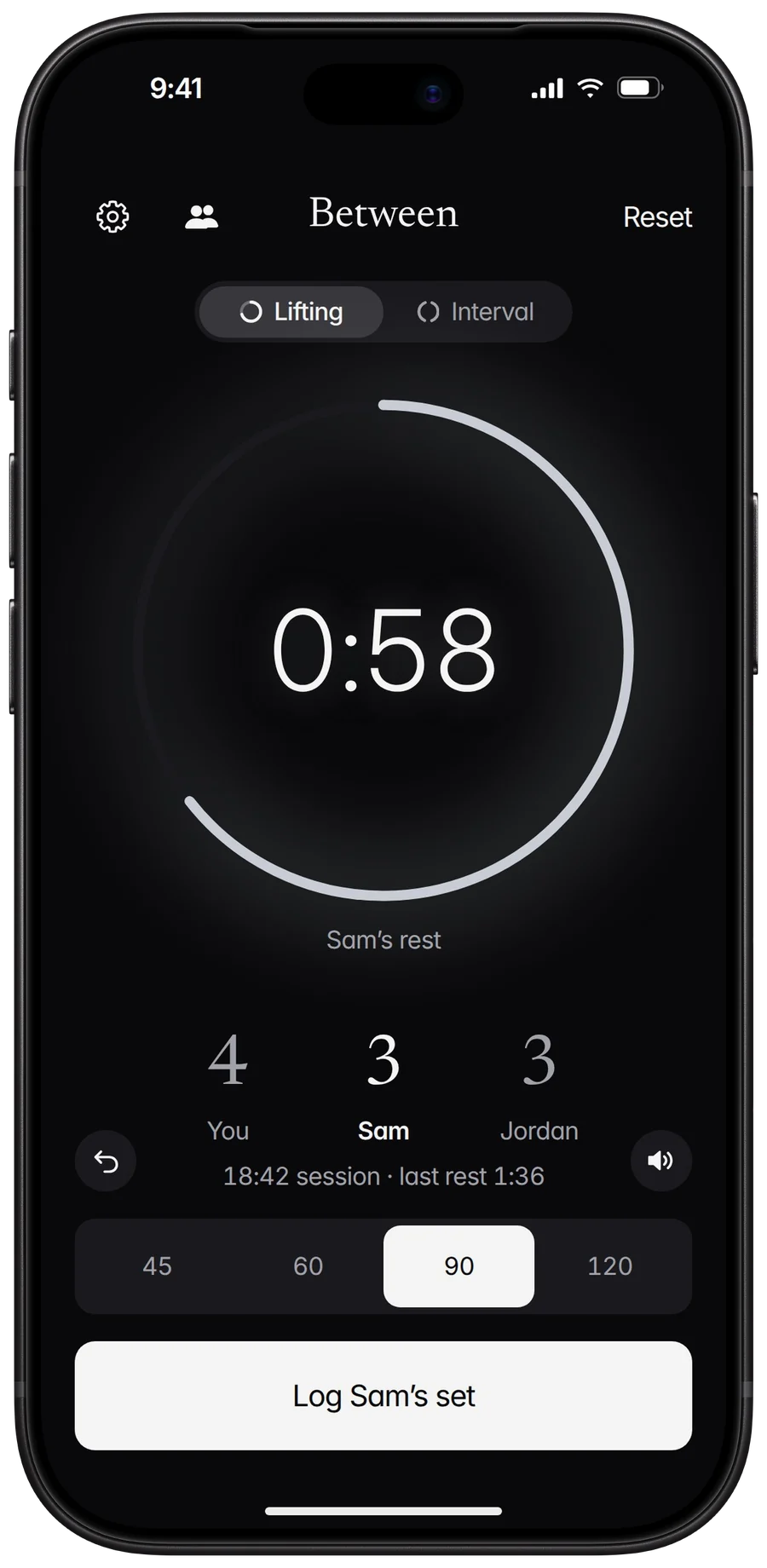
Doing the same sets side by side? Link phones and everyone rests together: anyone’s Log set starts the rest on every phone. Phones connect directly, the way AirDrop does, so it works with no Wi‑Fi or signal.
A free month for linking up. The first time your phone links with a friend’s, you get a month of Between Plus: unlimited workouts. No code and no account. Each phone gets one, ever.
Privacy
No email, no password, no profile. Open Between and log a set.
Your sets, rest times, theme, and sound are kept on your iPhone. Between has no server of its own.
Train together connects phones over nearby Wi‑Fi and Bluetooth. The timer never goes through the internet.
The app sends anonymous usage events and crash reports so we can improve it. There are no ads. The policy spells out exactly what leaves your phone.
Pricing
$2.99/mo
7 days free, then $2.99 a month. Cancel anytime.
$19.99
One payment. Yours for good.
Your first 5 workouts are free, with everything unlocked and no account. No ads, ever. Or get a month free: the first time you link phones with a friend in Train together, you get a month of Plus on the house.
No. There’s nothing to sign up for. Your sets, rest times, and settings are saved on your phone.
Yes. The timer runs on your phone. Linked phones in Train together talk to each other directly over peer-to-peer Wi‑Fi and Bluetooth, the same way AirDrop does, so a gym with no Wi‑Fi or cell signal is fine. Wi‑Fi and Bluetooth just need to be switched on, not joined to anything.
Yes, without a watch app. The rest shows in the Smart Stack with the countdown, your set count, and Log set, which runs on your iPhone. In vibration mode, with your phone locked, you get a buzz on your wrist 10 seconds before your next set and again when you’re up, plus one at every interval round. In chime mode your phone plays the countdown out loud instead. Silent mode sends nothing.
No. The chime plays over your music without pausing or lowering it. You can also switch to vibration only, or silent.
Your first 5 workouts are free, with every feature unlocked. After that, keep training with the Monthly Pass (7 days free, then $2.99 a month, cancel anytime in Settings) or the Lifetime Pass ($19.99 once). Between has no ads.
The first time your phone links with a friend’s in Train together, you get a month of Between Plus. A connected phone proves your friend has Between, so there’s no code and no account. Each phone gets one month, ever. If you already pay, you keep it for later.
Anonymous usage events and crash reports go to PostHog, an analytics service, with a random ID made on your phone. They never include your name, your contacts, or payment details. Between shows no ads. To measure its own Instagram and Facebook ads, it tells Meta when the app opens and when Plus is bought, without the ad identifier. The privacy policy has the details.
Between is live on the App Store for iPhone. Download it here.
Log a set and your rest timer begins. Get Between on your iPhone today.